Klarhimmel UI

Blocks

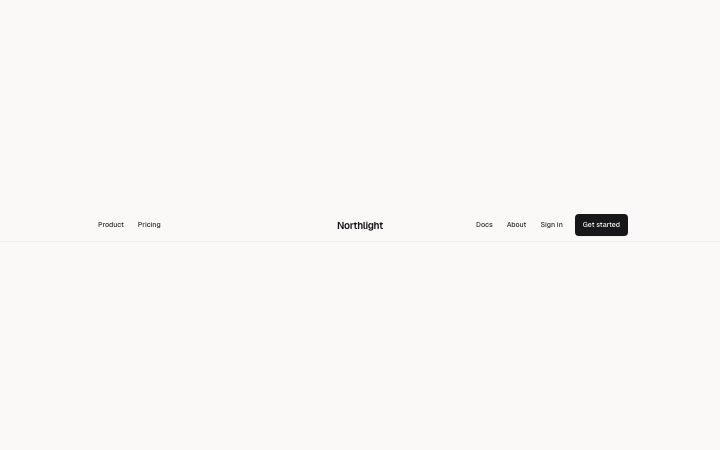
  • Header blocks

    The bar at the top of every page: brand, links, one action.

    4 blocks

  • Hero blocks

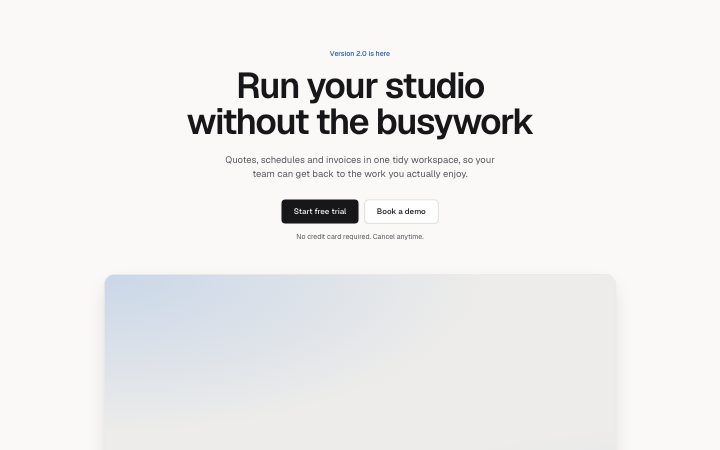
    The first screen: what it is, who it is for, what to do next.

    7 blocks

  • Logo cloud blocks

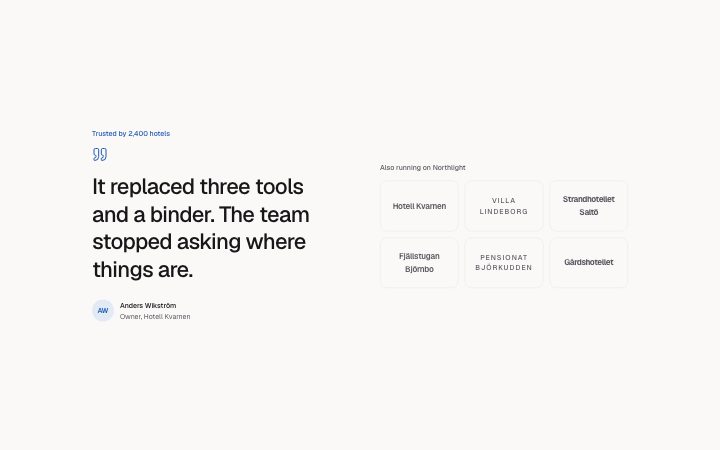
    Who already uses it, as a quiet row or grid of logos.

    6 blocks

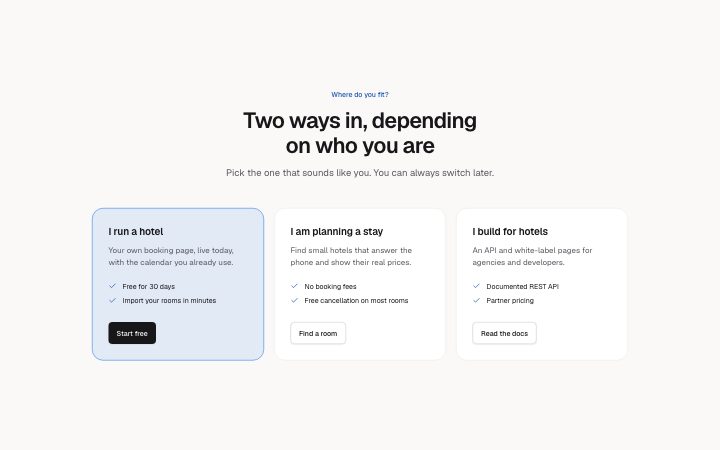
  • Features blocks

    What it does, as a grid, a list, tabs or alternating rows.

    7 blocks

  • Steps blocks

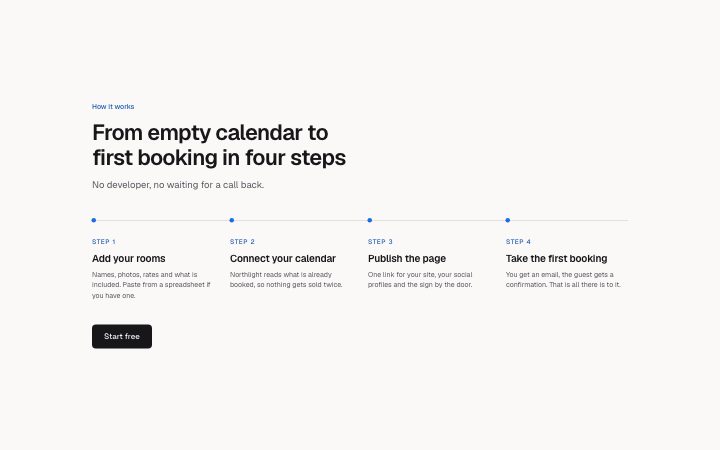
    How it works, in numbered steps or a timeline.

    4 blocks

  • Stats blocks

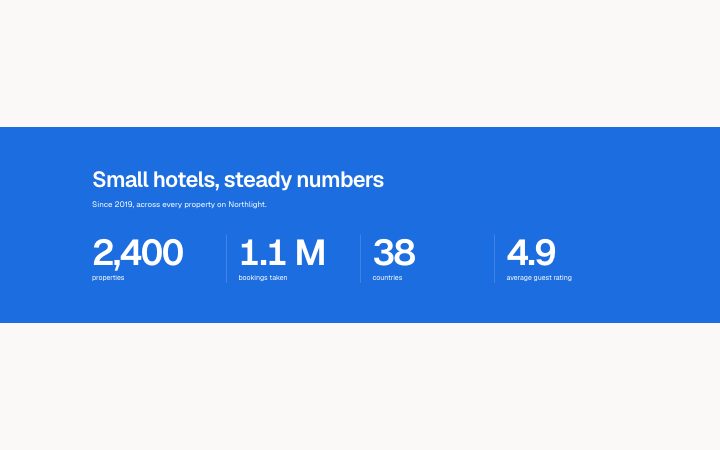
    A few numbers that prove the point.

    6 blocks

  • Case study blocks

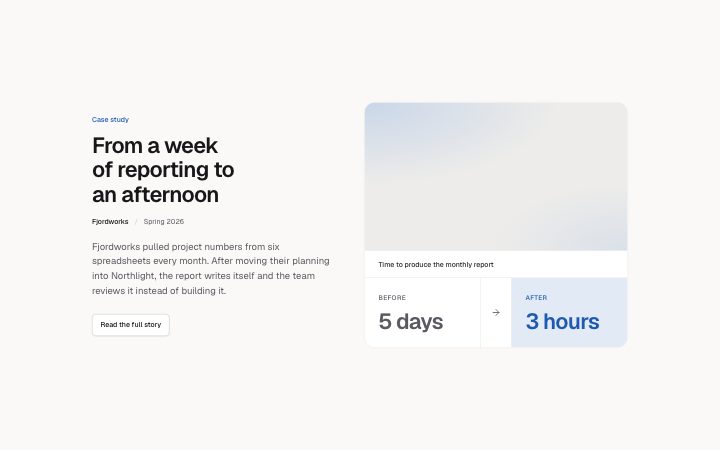
    One customer story: the problem, the work, the result.

    5 blocks

  • Pricing blocks

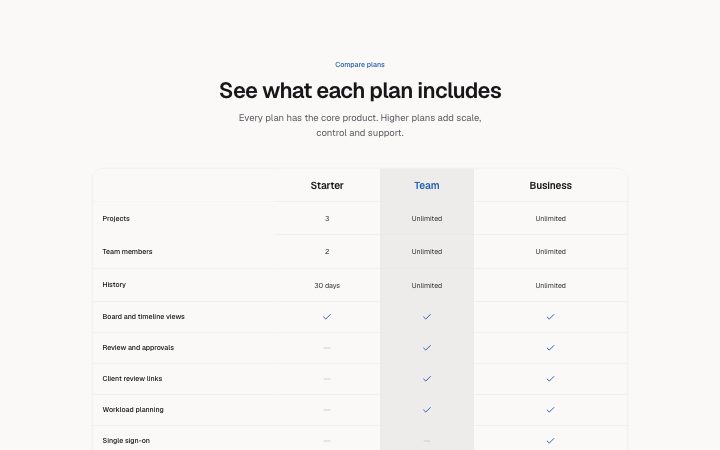
    Plans and prices: tiers, a single plan, a toggle or a comparison table.

    7 blocks

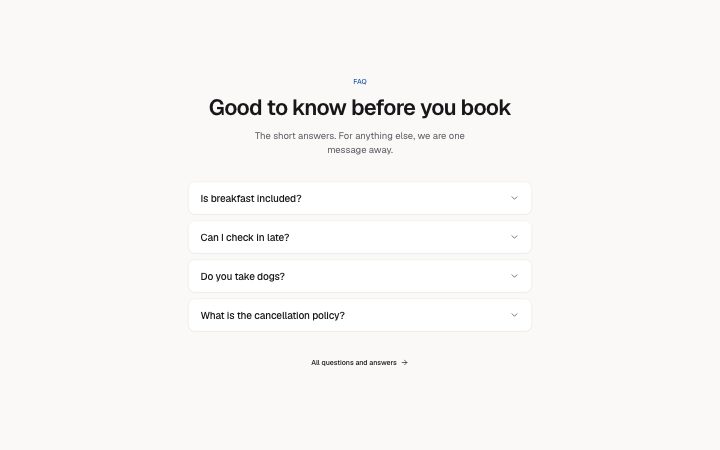
  • FAQ blocks

    The questions people ask before they buy.

    6 blocks

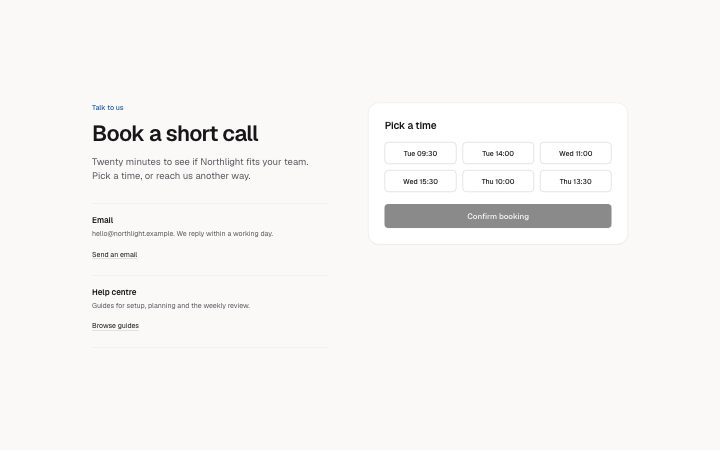
  • Contact blocks

    A form, a booking panel or office details. The page wires the submit.

    7 blocks

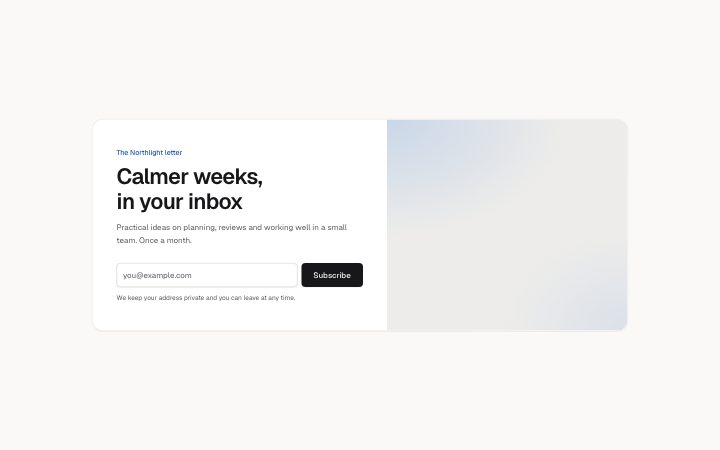
  • Newsletter blocks

    An email sign-up, inline or as a card.

    4 blocks

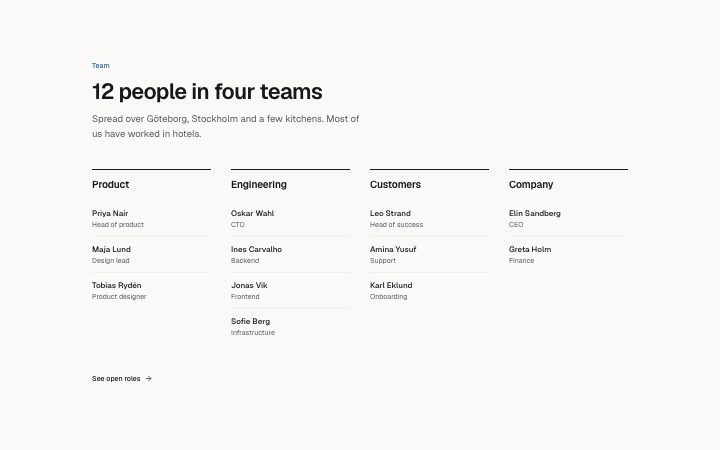
  • Team blocks

    The people behind it.

    4 blocks

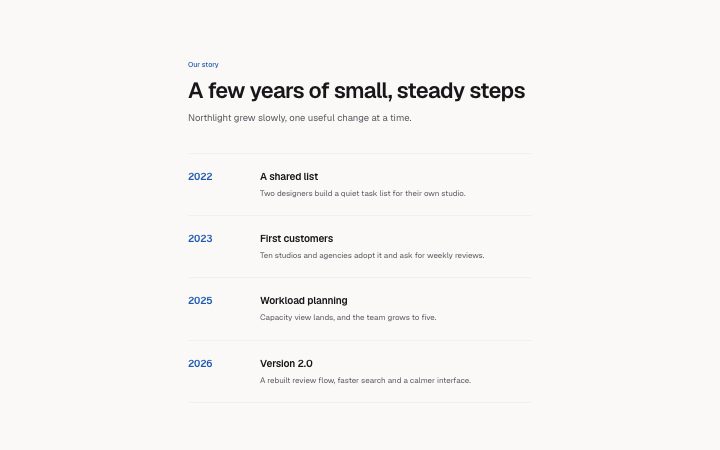
  • Content blocks

    Long-form text and timelines for about and policy pages.

    5 blocks

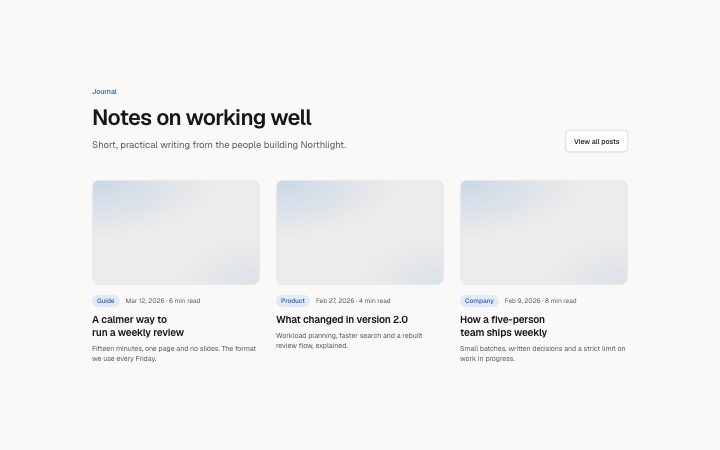
  • Blog blocks

    Post cards, lists and the article page.

    4 blocks

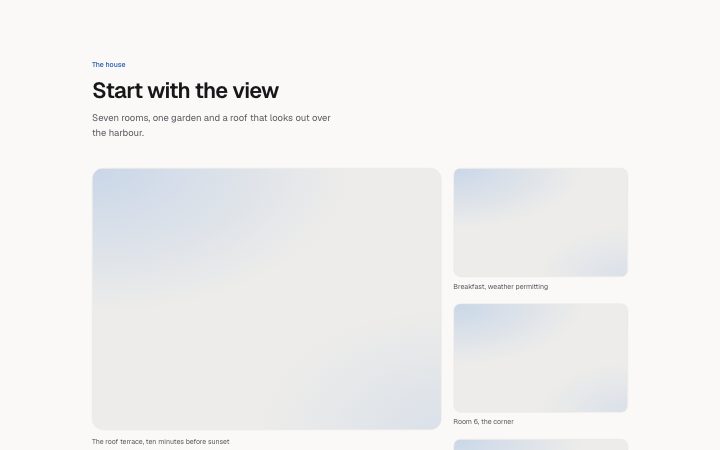
  • Gallery blocks

    A grid of images with captions.

    4 blocks

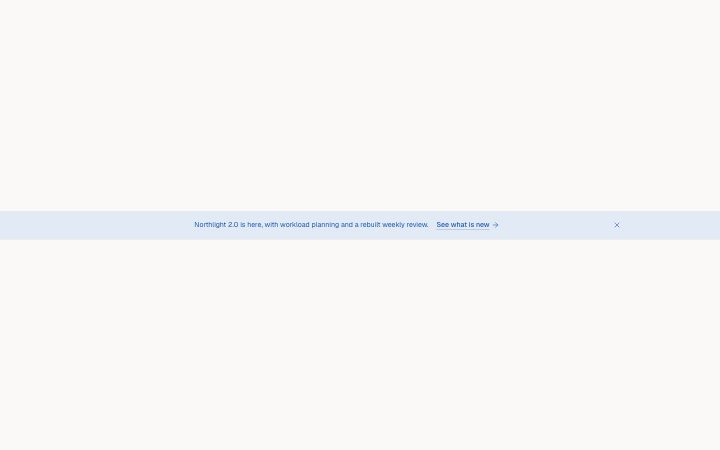
  • Banner blocks

    Announcement bars and the cookie notice.

    4 blocks

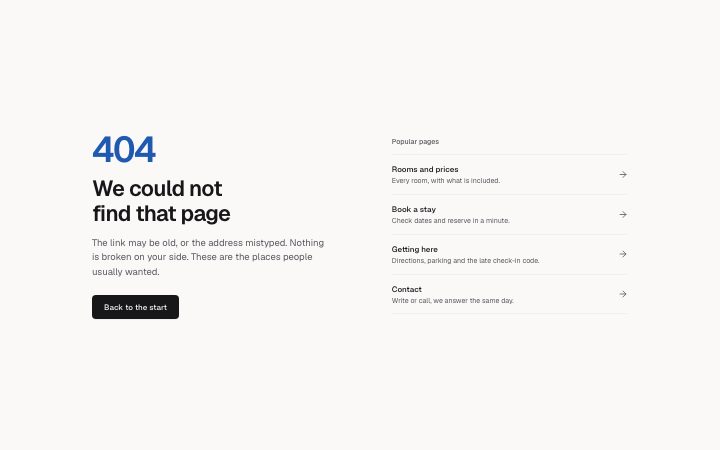
  • Error blocks

    Not found, server error and maintenance pages.

    4 blocks

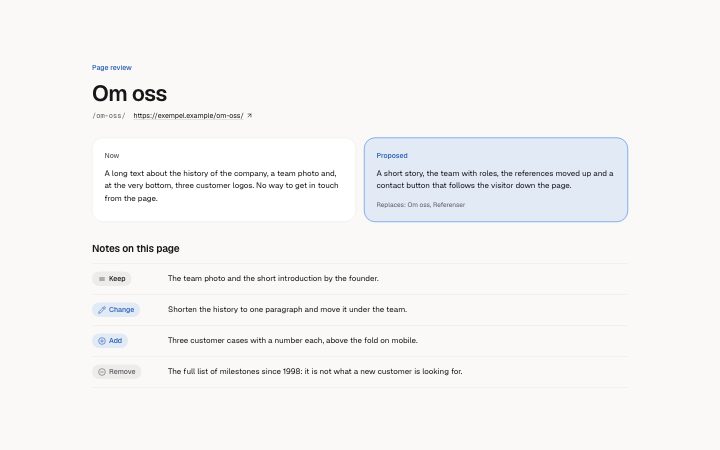
  • Review blocks

    A site review for a customer: the verdict with findings, and a note per page with what to keep, change, add or remove.

    2 blocks
  • Report blocks

    A document for a reader: key figures, decisions with a recommended default, long-cell tables, timelines, callouts, sources and prose.

    12 blocks
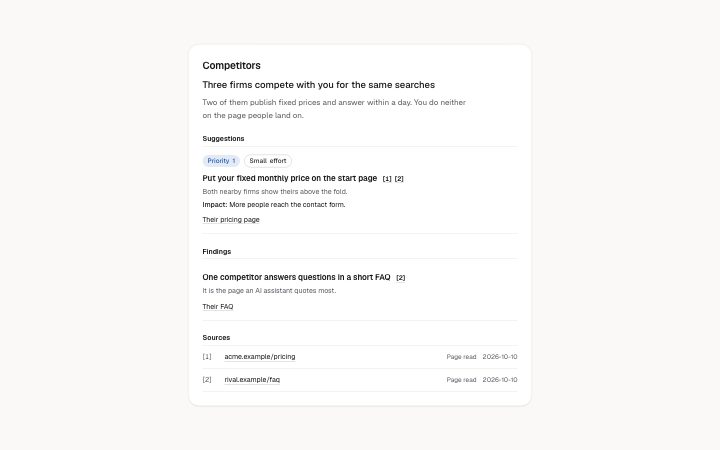
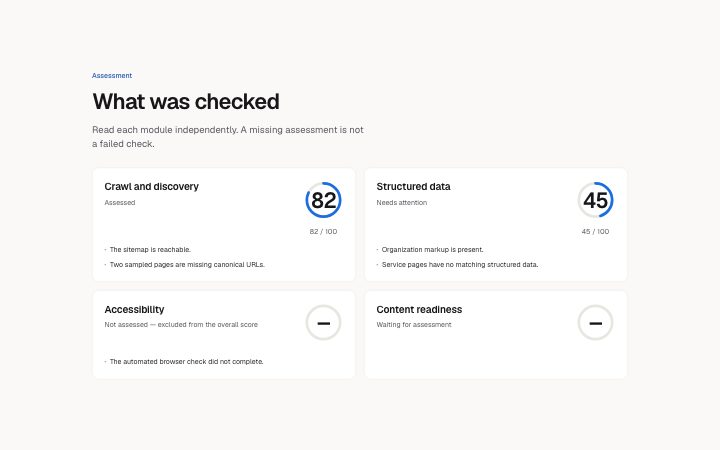
  • Snapshot blocks

    The live snapshot of a site: progress narration, the profile, one card per research module and the numbered sources behind it.

    4 blocks
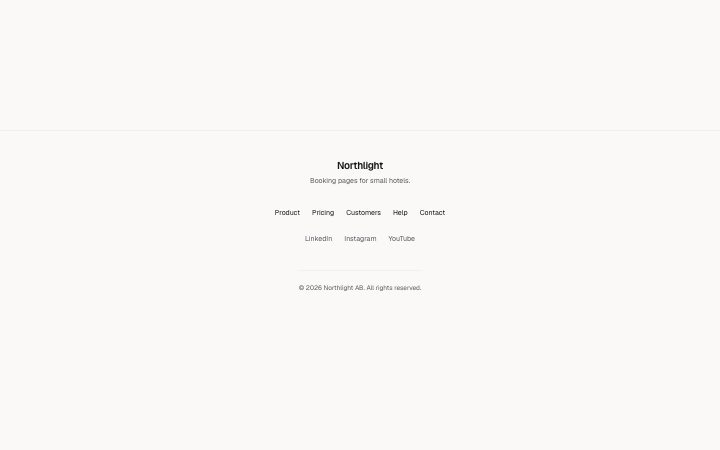
  • Footer blocks

    The end of every page: links, legal, an optional sign-up.

    6 blocks

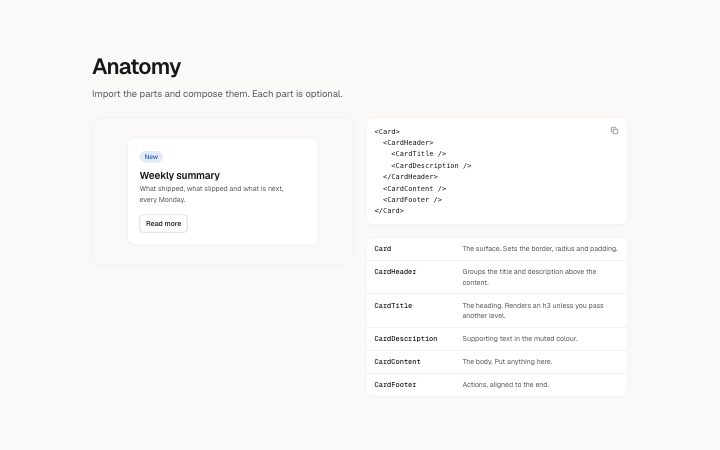
  • Docs blocks

    Documentation sections: headers, install panels, props tables, previews.

    13 blocks

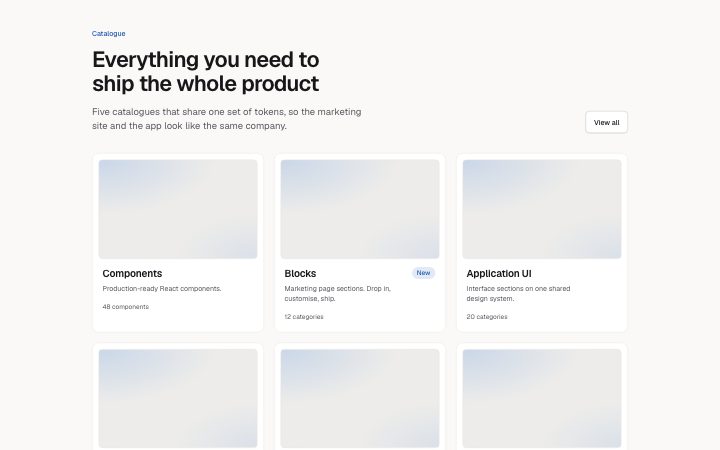
  • Directory blocks

    Catalogue pages: headers with filters, card grids, full-width previews.

    4 blocks

  • Application blocks

    Interface sections for signed-in products.

    37 blocks