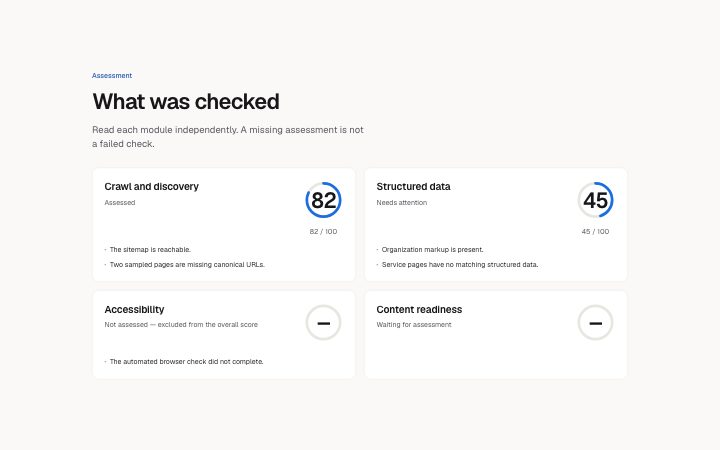
A grid of audit modules with explicit scored, unavailable and pending states; findings stay next to their score.
Light · Dark
A grid of audit modules with explicit scored, unavailable and pending states; findings stay next to their score.
Light · Dark
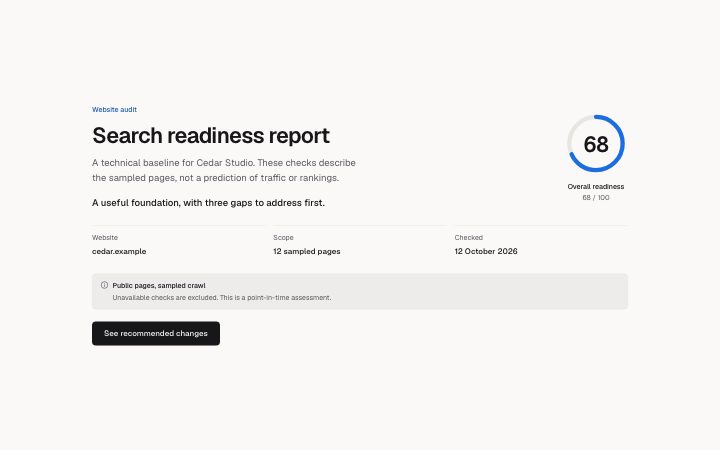
A scored audit summary with scope, limitations and source provenance. An unassessed result is never rendered as zero.
Light · Dark
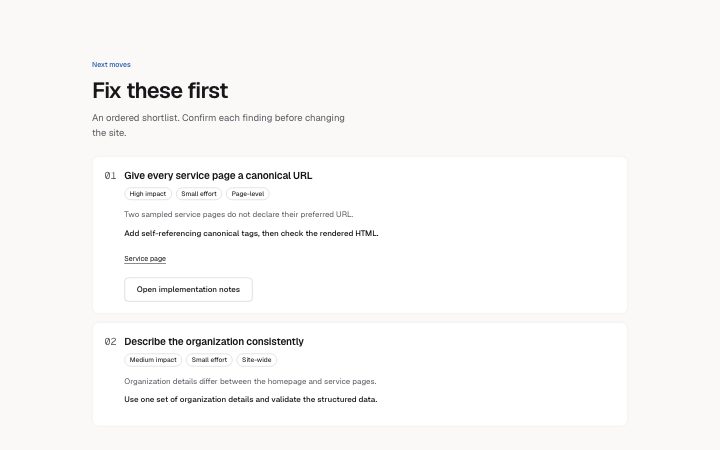
Prioritized audit findings with impact, effort, scope, affected pages and a concrete next action.
Light · Dark
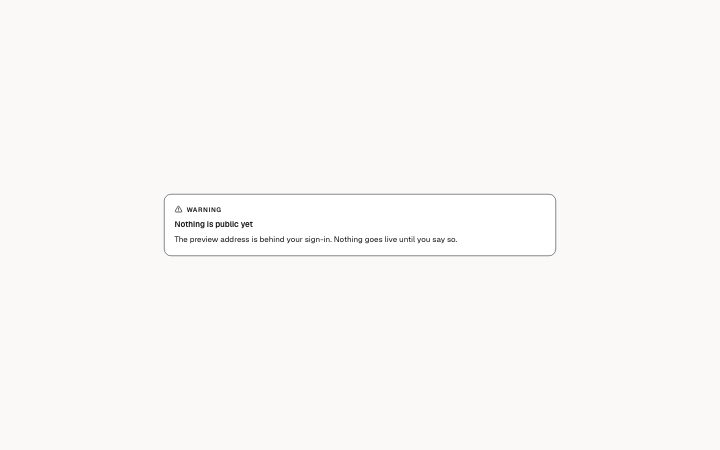
A boxed aside in a report: a note, a tip, a warning or something important. The kind is a word and an icon, never colour alone.
Light · Dark
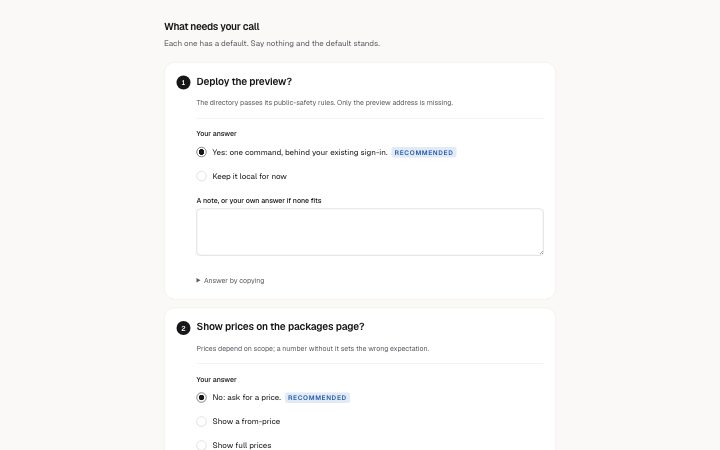
Numbered decisions for the reader. Each has a question, the recommended default, the other options and why, so the answer can be "yes to all except 2".
Light · Dark

A picture in a report, shown whole (never cropped) with an optional title and a caption, for decisions that need a visual pick.
Light · Dark
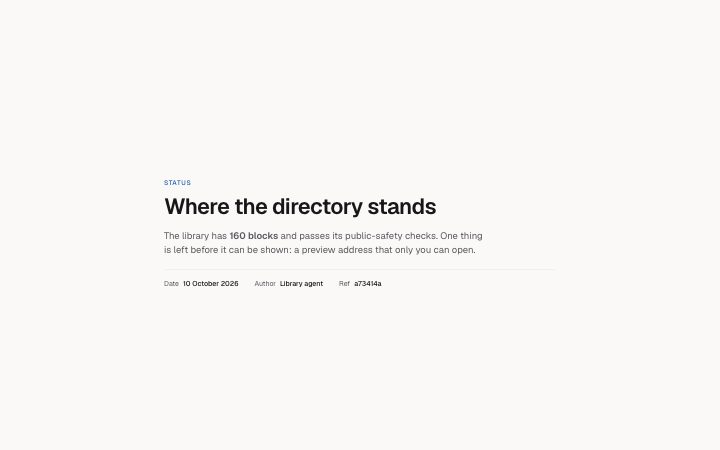
The top of a report: what kind it is (Status, Decision, Research), the title, a summary and a few facts (date, author, refs).
Light · Dark
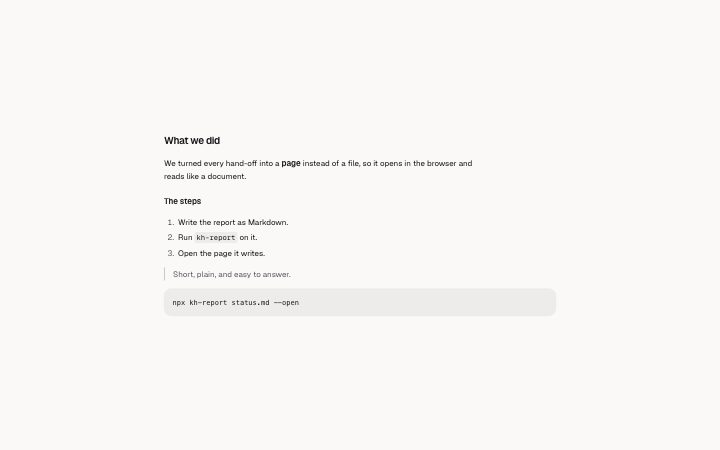
A headed section of text for everything else in a report: paragraphs, a smaller heading, bulleted and numbered lists, a quote, a code block.
Light · Dark
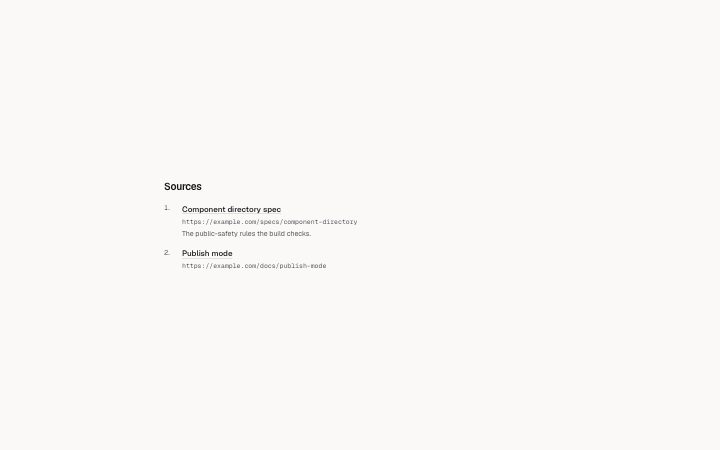
Numbered sources: a label, the address (shown in full) and a note on what it was used for. Only http(s) and mail addresses become links.
Light · Dark
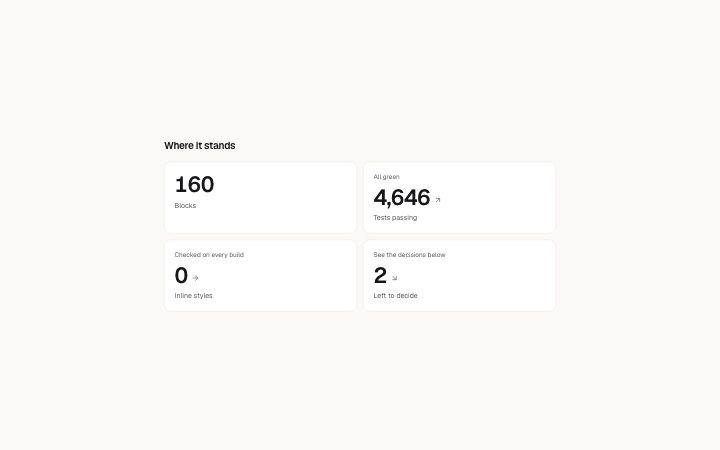
Two to six figures at a glance: a value, what it counts, an optional note and a direction (up, down, flat).
Light · Dark
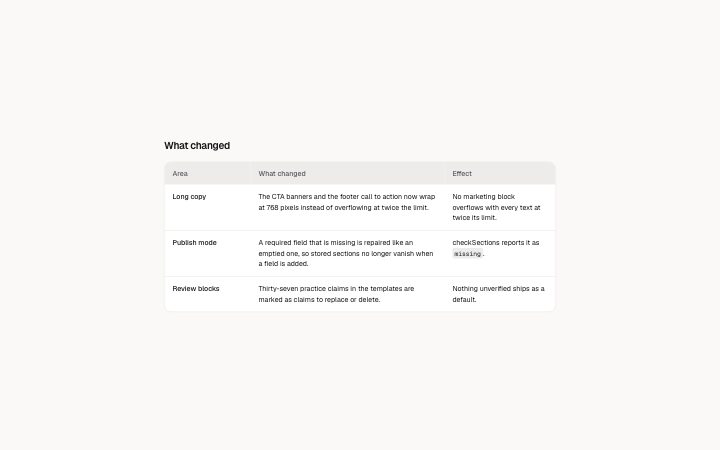
A table for long cells: the text wraps, and on a narrow screen every row becomes a card with its labels, so nothing scrolls sideways.
Light · Dark
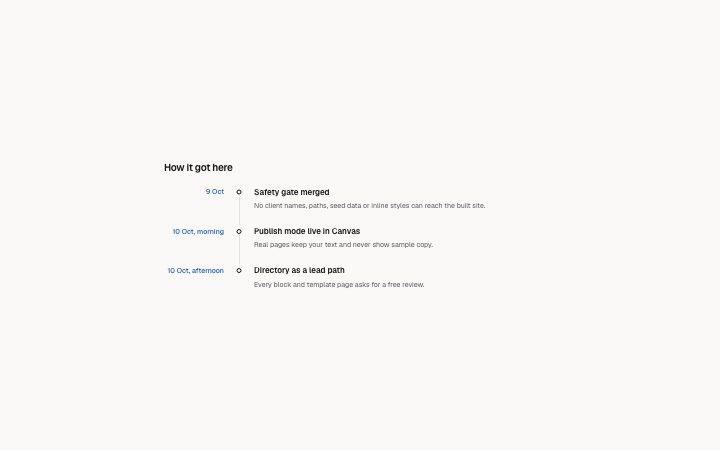
What happened and when: a dated list with a title and a few lines for each entry.
Light · Dark